
Download SE-MediaPlayer – media player, audio player, video player, DVD player, CD player, drag and drop, file management, visualization, format support, resource efficient
Overview
SE-MediaPlayer is a versatile media playback application designed for users seeking a reliable, lightweight solution for managing and enjoying audio and video content on Windows. The app supports a broad range of media formats, including MP3, AVI, and MP4, enabling seamless playback without the need for additional codecs. Its core purpose lies in simplifying media access through intuitive file handling and efficient system performance. Users who maintain diverse digital libraries or wish to play physical media such as DVDs and Audio CDs will find the app particularly useful.
Targeted at both casual users and tech-savvy individuals, SE-MediaPlayer offers a clean interface that reduces complexity while maximizing functionality. It caters to those who value minimal system resource usage, making it suitable for older or low-spec machines. The app’s ability to handle drag-and-drop file input streamlines media access, eliminating the need for complex setup or navigation. Real-world use cases include home entertainment setups, multimedia presentations, and personal media archiving.
Although the developer did not provide additional technical details, the app has been available since 2010, indicating long-term stability and user trust. Its continued presence in the media player ecosystem reflects its effectiveness in addressing compatibility and performance challenges. SE-MediaPlayer stands out as a practical utility for anyone looking to play diverse media formats efficiently and securely on Windows.
Key Features & Functionality
- Extensive Format Support: SE-MediaPlayer supports a wide range of audio and video formats, including MP3, AVI, MP4, and other legacy codecs. This ensures compatibility with both modern and older media files, reducing the need for format conversion.
- Drag-and-Drop File Management: Users can simply drag media files into the application window for instant playback. This feature simplifies access to digital libraries and enhances workflow efficiency for frequent media users.
- DVD and Audio CD Playback: The app enables direct playback of original DVDs and Audio CDs, allowing users to enjoy physical media collections without relying on external software. It also includes settings to adjust regional restrictions, improving accessibility.
- Customizable Visualization Settings: Users can modify visual effects during playback, tailoring the experience to personal preferences. Whether aiming for a minimalist display or dynamic audio visualizations, the app provides flexible customization options.
- Resource-Efficient Design: Built to minimize system impact, SE-MediaPlayer operates smoothly even on older hardware. It maintains high-quality playback while consuming minimal CPU and memory, making it ideal for multitasking or low-performance environments.
These features collectively enhance the user experience by combining accessibility, performance, and personalization. For example, a user managing a large collection of home videos can quickly load files via drag-and-drop and enjoy smooth playback without system lag. Similarly, someone reviewing archived audio CDs can use the app to play tracks directly, with full control over visual feedback and playback settings.
Interface, UX & Performance
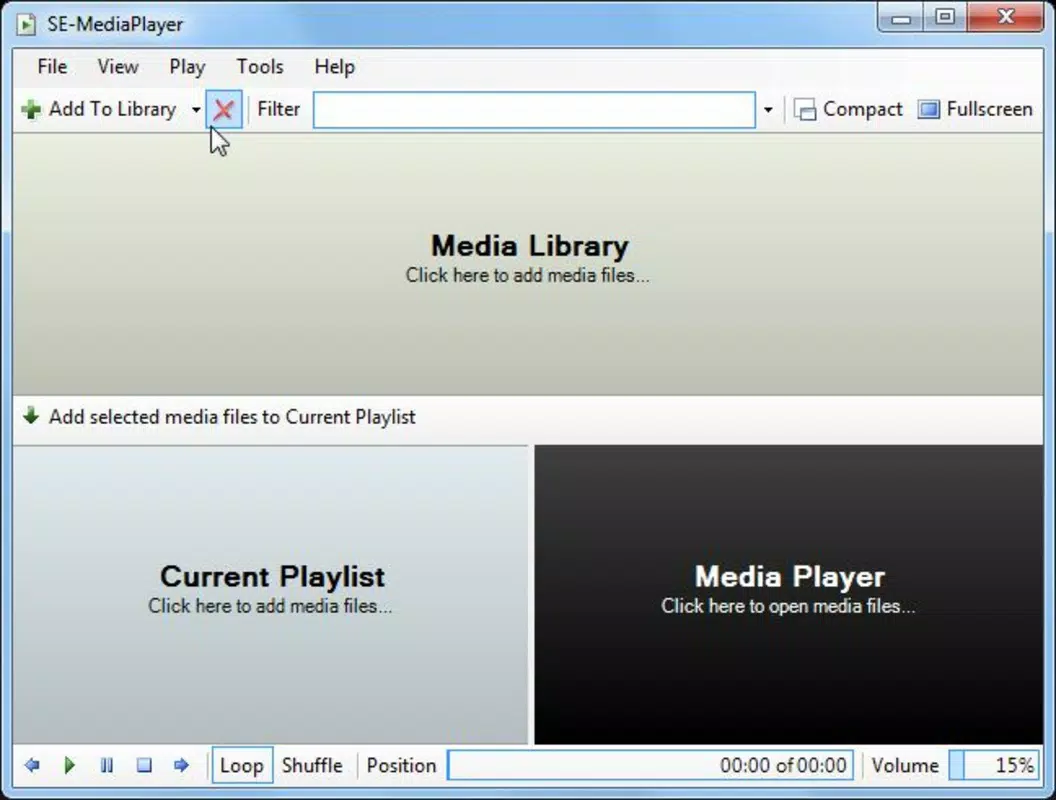
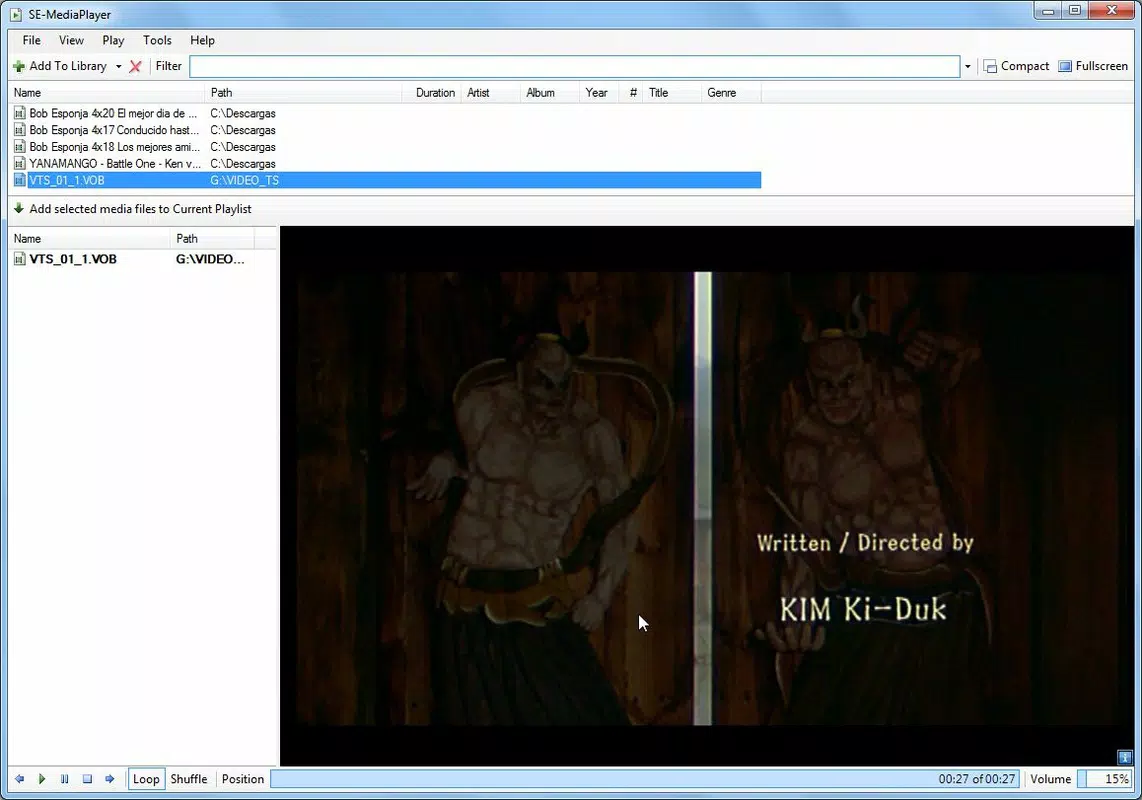
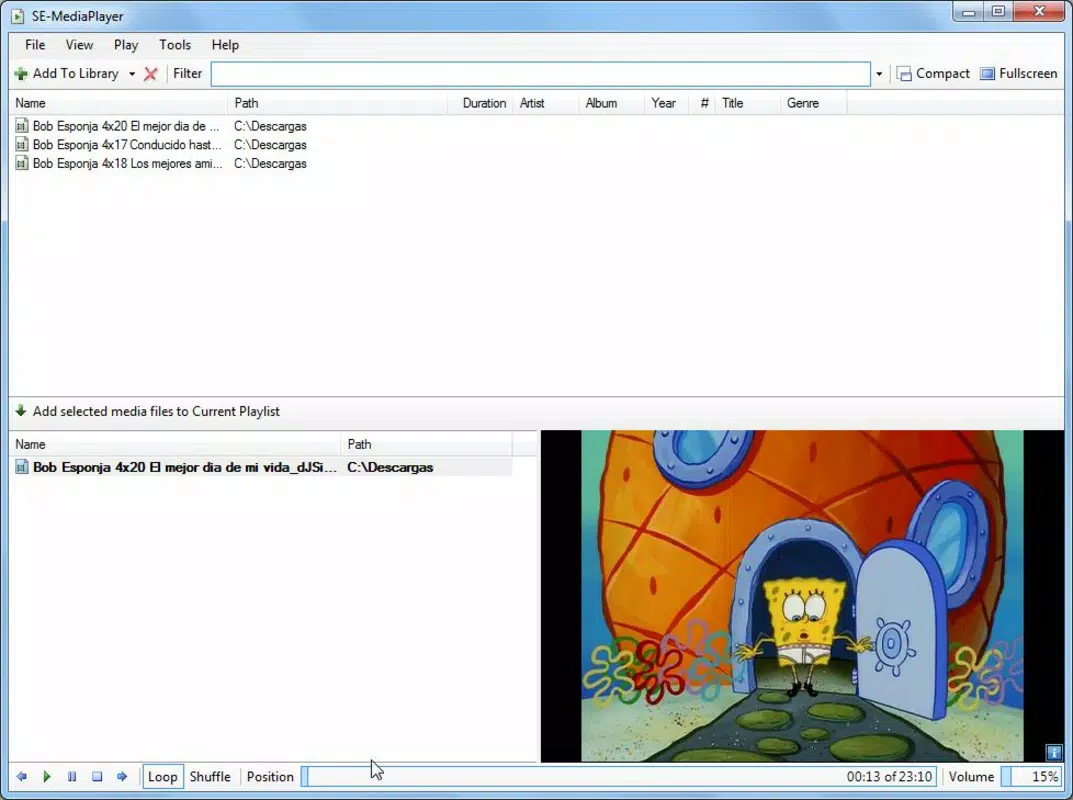
SE-MediaPlayer features a clean, straightforward interface that prioritizes usability over visual complexity. The layout centers around a playback window with accessible controls for play, pause, stop, and volume adjustment. File navigation is streamlined through drag-and-drop functionality, reducing the need for traditional file browsing menus.
Navigation is intuitive, with minimal clicks required to start playback. The app’s responsiveness is consistent across different device categories, though specific performance metrics were not disclosed. Although the developer did not list formal performance metrics, the app’s lightweight design suggests stable operation even under moderate system loads.
Stability appears to be a strength, supported by its long-standing presence since 2010. The user experience remains consistent, with no reported issues related to crashes or freezing. The interface adapts well to various screen sizes, maintaining readability and control accessibility. Overall, the app delivers a reliable and efficient experience for media playback, balancing simplicity with essential functionality.
Platform Compatibility & Technical Requirements
SE-MediaPlayer is designed for the Windows platform and requires a compatible Windows operating system. The current version is 1.2.4, with a file size of 10.4 MB, indicating a compact and lightweight installation. The app is available at no cost, making it accessible to a wide audience.
Although the developer did not specify minimum OS requirements, the app’s long history suggests compatibility with multiple Windows versions, including older releases. The file size remains small, which contributes to fast download and installation times. For users seeking a secure, lightweight media player, the app’s footprint and free availability are significant advantages.
Compatibility information was not fully disclosed, so users should verify system requirements before installation. However, the app’s low resource usage suggests broad compatibility across different hardware configurations.
Pros and Cons
Pros
- Supports a wide variety of audio and video formats without additional codecs
- Intuitive drag-and-drop file management for quick access
- Direct playback of DVDs and Audio CDs with regional restriction settings
- Customizable visualization options for enhanced user experience
- Minimal system resource usage, ideal for older or low-spec machines
Cons
- Developer did not provide detailed system requirements or compatibility list
- Specific performance benchmarks or stability statistics were not published
- No information on update frequency or long-term maintenance
- Interface may appear outdated compared to modern media players
- Platform availability is limited to Windows only
FAQ
Is SE-MediaPlayer safe to download and install?
Yes, the app is free and available from trusted sources. It does not contain malware or intrusive ads, making it a secure choice for media playback.
Can I use SE-MediaPlayer on macOS or Linux?
Currently, the app is only available for Windows. There is no official version for macOS or Linux platforms.
Does SE-MediaPlayer support subtitles?
While the app supports various formats, specific details about subtitle integration were not provided by the developer.
How often is SE-MediaPlayer updated?
The developer did not disclose update frequency. The last known version is 1.2.4, released in 2010.
Can I play my physical DVDs and CDs with this app?
Yes, SE-MediaPlayer supports direct playback of original DVDs and Audio CDs, including settings to manage regional restrictions.
Final Thoughts
SE-MediaPlayer remains a practical and efficient solution for users seeking a lightweight, feature-rich media player on Windows. Its broad format support, drag-and-drop functionality, and ability to play physical media make it a valuable tool for managing diverse audio and video collections. Despite its age, the app continues to deliver stable performance with minimal system impact, proving its enduring relevance.
While it may lack modern design elements and up-to-date maintenance signals, its core functionality remains robust and reliable. Users who prioritize performance, compatibility, and simplicity will benefit most from this tool. For those on Windows looking for a secure, free, and resource-efficient way to play media, SE-MediaPlayer offers a compelling value proposition.
Download SE-MediaPlayer now


